Changelog
Releases of VIOSO Experience Designer.
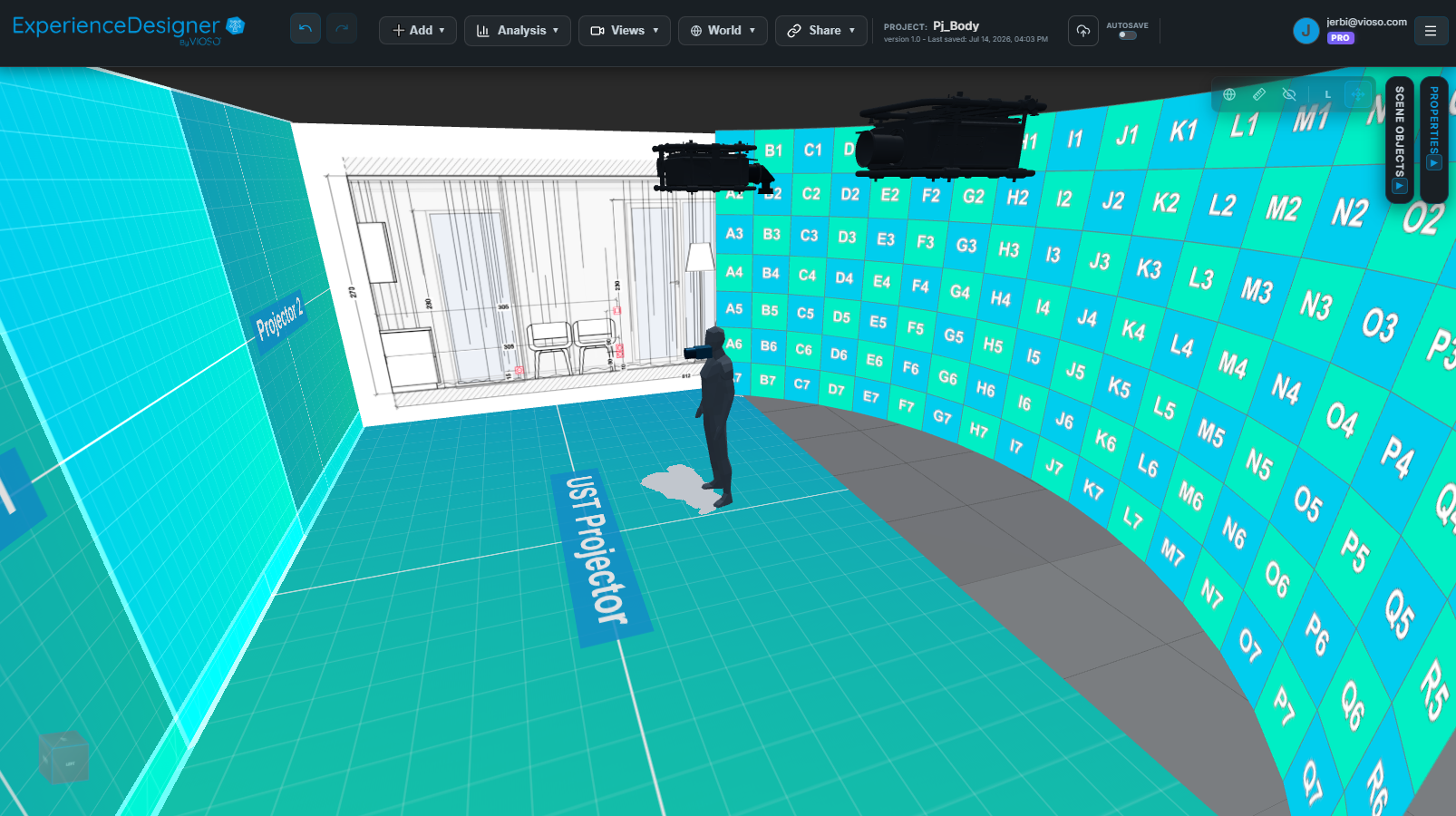
Current Release
v1.2.4
Released: 2026-09-11
- New: The 3D Model Helper has new controls for isolating individual model part, trimming, polygon reduction, texturing..etc.
- Improvement: Screen/Object materials can use selectable sources with color picking.
- Improvement: Navigation adapts more smoothly when zooming and panning in tight spaces.
- Improvement: Better scene navigation with reduced gizmo controls, reliable dragging focus, world-origin refere,ce
- Fix: 3D model imports handle embedded FBX textures and OBJ model parts more reliably.
- Fix: Shared-project restores no longer cause autosave conflicts.
- Minor fixes: Group elements auto-naming, Panadome screen angles, PDF report descriptions.
Previous Releases
v1.2.3
Released: 2026-08-04
- New: Imperial unit support app-wide: UI, measurements, reference grids, projectot metrics and PDF report.
- New: Projector blanking/masking option to trim projected image and analysis.
- New: Projector view-through optionm (similar to cameras).
- New: Screens support additional primitive shapes and cylinder end-caps, with improved tessellation.
- Improvement: Analysis heatmap color scale can be hovered to isolate a specific range.
- Improvement: Reference Drawing Calibration adds a cropping option.
- Improvement: Groups let you reorder elements and headers.
- Improvement: Faster input field responsiveness throughout the app.
- Fix: Analysis Multi-mesh sampling for Pixel Density, Resolution and Warp&Blend.
- Fix: Collaboration project saving and version auto-increment (pro/team)
v1.2.2
Released: 2026-07-29
- Improvement: Measurement tool with better snapping controls, mesh detection and scene manipulation.
- Imporvement: ability to rearrange scene object lists order with drag/drop.
- Fix: Shared project access rights with saving / versioning.
- Fix: Brightness analysis access for shared view, and heatmap contamination with hidden projectors.
- Fix - Minor bugs: long label texts visibility, camera view filtering for inactives, PDF report description generation, PDF camera layout.
v1.2.1
Released: 2026-07-24
- Improvement: Camera View lets you switch between cameras and download snapshots.
- Improvement: PDF reports support replacing elements and adding options for pixel-size and pixel-density analysis.
- Improvement: Projection quality analysis calculation with focus homogeneity and a clearer scoring system.
- Improvement: Easier Navigation for large sceens, and new focus and viewport shortcuts.
- Fix: Saved scene views persist with projects and can be used in PDF reports.
- Fix: Project loading can be canceled and will log clear errors in case of fallback.
- Fix - Minor bugs: Symmetry clone orientation, video preview playback, projected screen texture orientation.
v1.2.0
Released: 2026-07-15
- New Team Plan: share projects, assets, and projector libraries across your organization.
- New projector models support: upload and assemble full, body, and lens 3D models for realistic projector visualization.
- New LED: dynamic panel-based wall editing and new analysis modes: pixel distance, content resolution.
- New: visual PDF report editor with free-form page layouts, reusable presets, inline text editing, and multi-page management.
New: Previsualization videos creation in the Share dialog.
Improvement: Camera coverage analysis supports a new projective texture mode to show coverage outlines.
- Improvement: The 3D Model Helper adds camera-framing options.
- Improvement: Export mesh now offers options for what meshes should be generated.
- Fix: WarpBlend texture handling, shared-view controls, auto-selection, viewport widget and many more small bugs.
v1.1.6
Released: 2026-06-18
- New: World > View option for projector metrics showing real-time hit distance, image size, and lux brightness estimation.
- Improvement: LED screen creation workflow and layout manipulation.
- Fix: Contact form error when submitting bug/feature reports.
- Fix: Screen textures not refreshing when loading projects.
- Fix: Replace/Save projector window not opening the library.
v1.1.5
Released: 2026-06-03
- Billing: The upgrade-to-pro checkout flow now routes users to the payment system.
- New:
Is Projectingtoggle lets you disable a projector's image output without removing the projector from the scene. - Improvement: PDF reports now include pixel-resolution section for AITOFF eyepoint analysis.
- Improvement: Analysis projector coverage overlap calculations and visual representation.
- Fix: Pixel-resolution and eyepoint analysis states now stay more consistent when rerunning calculations or cloning objects.
- Fix: Test pattern projector textures keep names when loading projects or cloning.
- Fix: Long project names no longer overflow in project cards.
v1.1.4
Released: 2026-05-22
- New: UI with a top-bar menu, toolbar, more compact scene list and easier access for controls: history, views, share.
- New: Exaplay3 previz for multi-screen and projector textures as live input.
- Improvement: Performance in projector handling, changing visibility and working with undo/redo in larger scenes.
- Fix: Analysis heatmap rendering in eyepoint AITOFF and camera views.
- Fix: Projector group spacing, shift range select and clone logic.
- Fix: Measurement with viewport interactions.
- Improvement: PDF reports now include all analysis options.
- Improvement: Project loading and asset import progress feedback.
v1.1.3
Released: 2026-05-13
- Improvement: Linear projector arrays are easier to work with, and circular arrays load more reliably.
- Improvement: Projector replacement gives you better control over whether existing names are kept.
- Improvement: PDF reports include a more polished one-page layout and more reliable saved settings.
- New: You can lock object transforms to protect scene layouts from accidental changes.
v1.1.2
Released: 2026-05-08
- Fix: Camera view and eyepoint views stay in sync more reliably with the scene.
- Improvement: Pixel resolution, pixel density, and projection quality results are more accurate, especially around overlaps and 3D surfaces.
- Fix: Editing a projector no longer overwrites names unexpectedly.
- Fix: Undo history now records visibility changes.
v1.1.1
Released: 2026-05-07
- New: Beta pixel-resolution analysis is now available, including Johnson criteria support.
- Improvement: Undo/redo and analysis panel controls are easier to manage.
- Improvement: Transform controls, numeric inputs, and projector cloning react to coarse/fine with SHIFT / CTRL.
- Fix: Projector groups now handle spacing, naming, and circular layouts more reliably.
- Improvement: Sign-in recovery and support contact flows are clearer.
v1.1.0
Released: 2026-04-29
- Improvement: Inspector panels are more consistent and easier to navigate.
- Improvement: 3D model helper tools now offer better rotation handling and uniform scaling.
- New: Camera FOV controls and improved floor visibility controls have been added.
- Fix: Projected textures and overlap brightness refresh more reliably.
- Improvement: Object naming, scene lighting, and projector group orientation have been refined.
v1.0.1
Released: 2026-04-24
- Improvement: The setup wizard has better defaults for floor-mounted projectors and curved-screen planning.
- New: Brightness analysis now supports foot-candle units.
- Improvement: The welcome experience includes clearer onboarding and faster access to template projects.
- New: A 3D Model Helper alignment workflow makes imported models easier to set up.
- Fix: Tutorial and documentation links from the welcome screen now work more reliably.
v1.0.0
Released: 2026-04-22
- New: Experience Designer reaches its first
1.xproduction release. - Fix: Projected textures issues after camera-view or analysis interactions.
- Fix: New users can start cleanly without previously saved projects.
- Improvement: Default theme behavior is more consistent for new accounts.
- Improvement: User documentation and screenshots have been refreshed.