Eyepoints
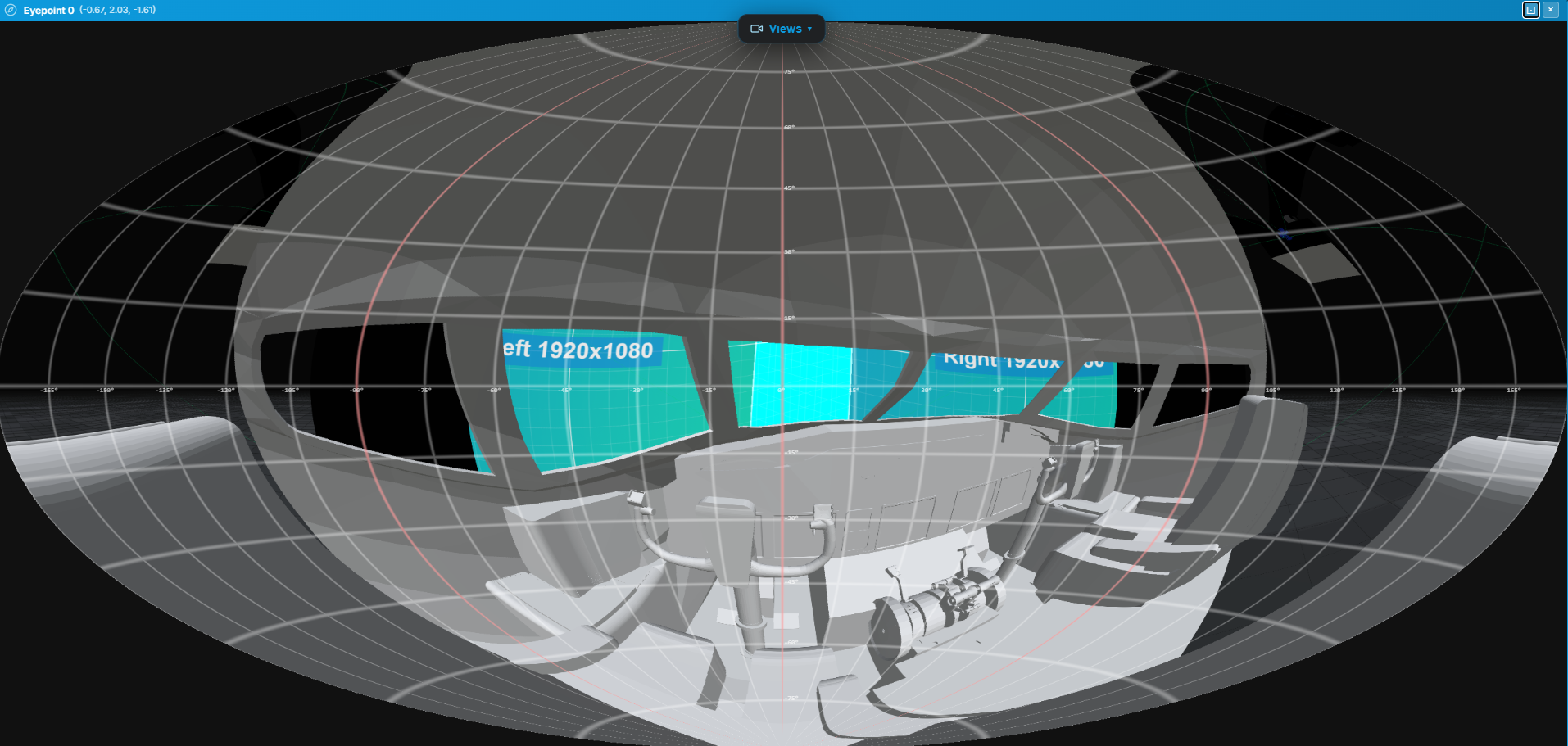
An eyepoint marks a viewer position in the scene. It can show a full 360° Aitoff view from that position and provides the viewing location used by eyepoint-based analysis.
Adding an eyepoint
- Choose Add → Add Eyepoint.
- Reposition it to a seat, stage position, or other viewing location with the transform handles or Properties panel.
The Aitoff panorama view
Select an eyepoint and choose View Through (Aitoff) in the Properties panel. The panorama shows the scene around that location in a single wide view.
Use the controls above the view to refresh it, enter full screen, or close it.
Eyepoint properties
| Property | Description |
|---|---|
| Name | Label shown in the Scene panel and panorama header |
| Position (X, Y, Z) | World-space position in metres |
| Position (X, Y, Z) | Viewer position in the scene |
Use cases
- Audience sightline checking — confirm that every seat can see the projection without obstructions.
- Presenter perspective — verify the view from a stage or podium position.
- Dome alignment — check angular coverage from the dome centre point.
- Pixel checks — use Pixel Resolution or LED Pixel Distance analysis to evaluate the display from the eyepoint.
See Analysis for analysis modes that use an eyepoint.