Welcome to

VIOSO Experience Designer is professional browser-based software for planning and visualising multi-projector installations in 3D.
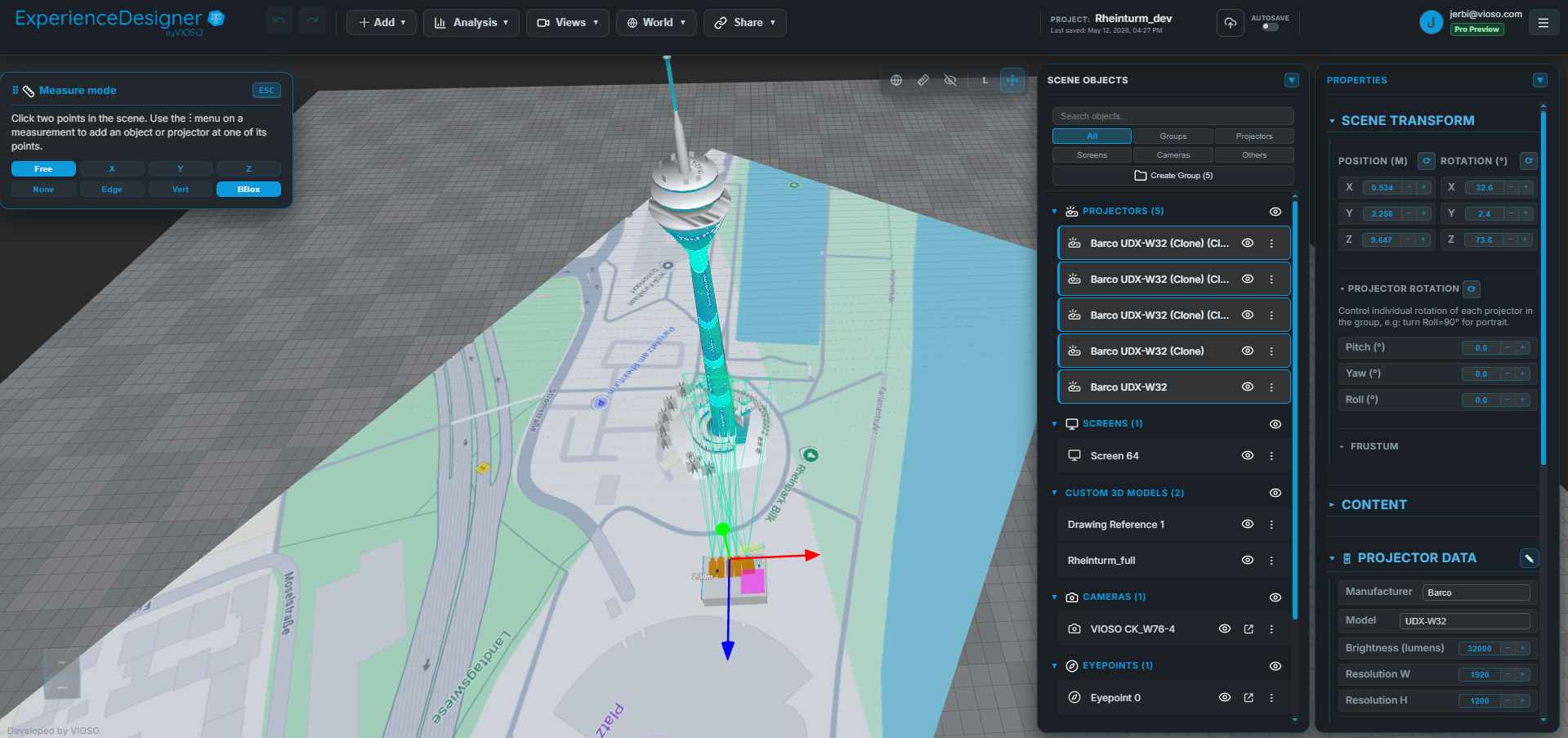
What you can do
| Capability | Details |
|---|---|
| 3D scene planning | Place projectors, screens, trusses, LED walls, and obstacles in a real 3D space using manufacturer specifications |
| Analysis | Brightness, warp and blend, projector and camera coverage, pixel density and resolution, projection quality, and LED checks |
| Occlusion detection | Reveals where objects or other projectors block projected coverage |
| Measurement tool | Click-to-measure distances in 3D with snap-to-vertex, snap-to-edge, chain measurement, and axis constraints |
| Eyepoints | Place observer points to see a 360° Aitoff projection of your scene from any position |
| Projector library | Real manufacturer specifications from Panasonic, Christie, Barco, Epson, and more |
| Screens and objects | Flat, curved, room, cube, Panadome, and dome surfaces; import FBX, OBJ, Collada/DAE, GLTF, or GLB models |
| LED walls | Panel-based displays with pixel pitch, resolution, layout, content, and curvature settings |
| Projector arrays | Create linear or circular projector arrays with automatic truss generation and group controls |
| Drawing import | Import PDF or image floor plans as calibrated reference overlays in the 3D workspace |
| Design Exchange Format | Import and export supported planning data for exchange with other tools |
| Share | Create PDF reports, interactive 3D links, previz videos, screenshots, equipment lists, project backups, and OBJ geometry exports |
Who is it for?
- AV system engineers — validate feasibility with photometric precision before deployment
- Simulation engineers — create visual display systems for flight or automotive training simulators
- Projection artists and technical directors — plan dome, curved-surface, or custom 3D mappings
- Sales and pre-sales teams — win pitches with interactive 3D walkthroughs instead of flat slides
Quick navigation
- New to Experience Designer? Start with the Quick Start
- Ready to build your first scene? Go to The Workspace or use the Setup Wizard
- Need to validate a layout? See Analysis
- Need to share or export your work? See Exporting & Sharing
- Importing from another tool? See Design Exchange Format or Mapping Matter CSV
- Looking for release notes? See Changelog